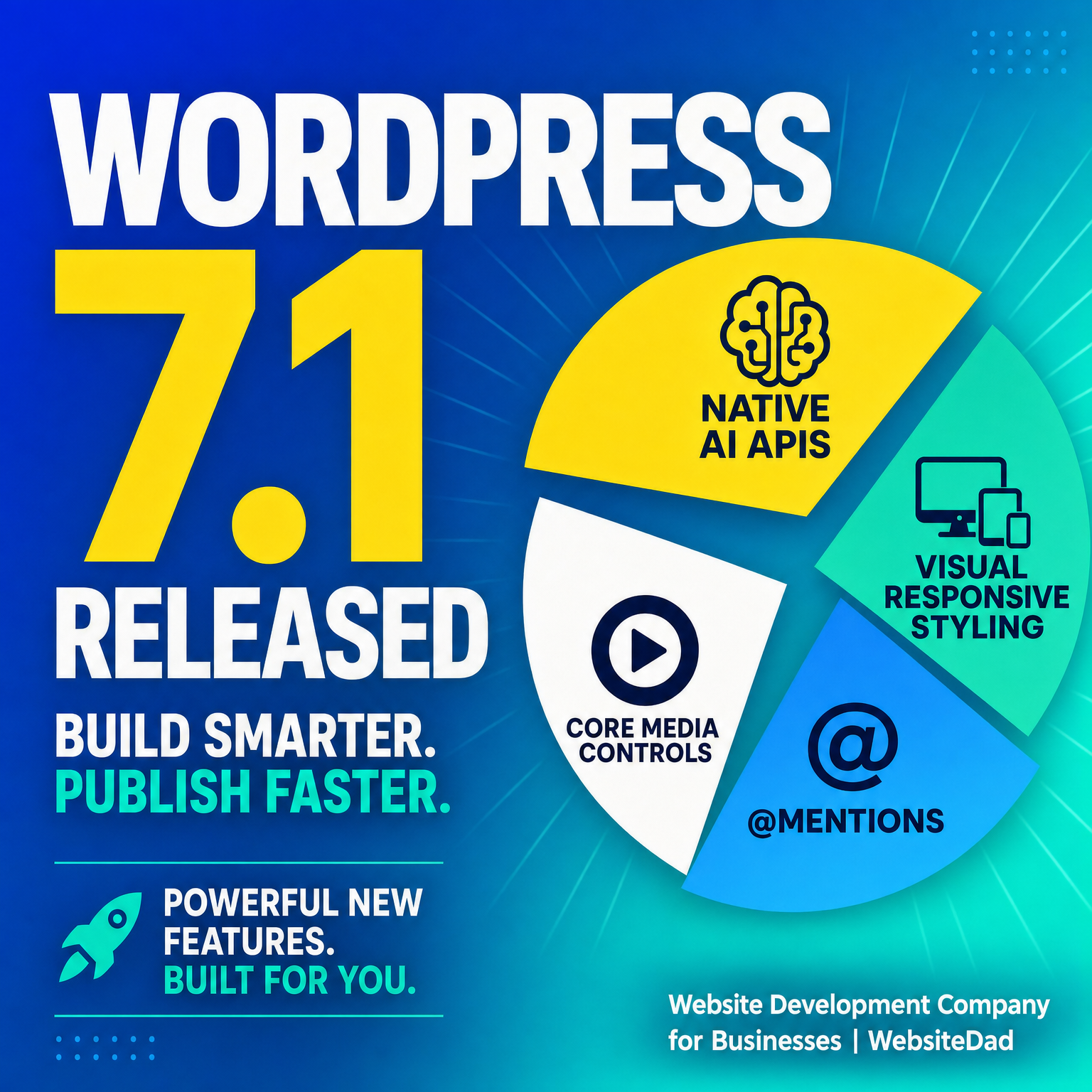
WordPress 7.1 Release: Native AI APIs & Responsive Styling
WordPress 7.1 Released: Native AI APIs & Visual Responsive Styling
Introduction
On August 19, 2026, the open-source community announced the official availability of WordPress 7.1 "Mary Lou". This milestone update marks one of the most significant evolutions to the ecosystem in recent years. For enterprise teams, agency developers, and growing businesses, the release shifts WordPress from a traditional content management system into an intelligent, highly collaborative digital experience platform.
Rather than relying entirely on heavy third-party page builders or fragmented external tools, the WordPress 7.1 release integrates artificial intelligence abstractions directly into the software core. According to the official Version 7.1 documentation, the core engine now delivers standardized AI frameworks alongside native breakpoint styling and real-time editorial collaboration tools.
For business owners evaluating their digital infrastructure, these upgrades directly address site speed, operational maintenance, and team publishing speed. At WebsiteDad, we analyze how these core improvements transform web design workflows and what your business must do to capitalize on them.
Inside the WordPress 7.1 Release: Native AI APIs
The highlight of this major release is the AI Abilities API, a core framework designed to standardize how AI models interact with the WordPress Block Editor. Previously, every plugin requiring machine learning or generative text built its own custom API connectors, leading to bloated codebases, duplicate network calls, and security vulnerabilities.
By embedding AI capabilities into core architecture, developers can hook into shared endpoints for task execution, content summarization, automated image tagging, and layout generation. This standardized interface ensures that enterprise teams can integrate automated workflows without creating technical debt. As we discussed in our operational guide on why unchanged workflows accelerate AI errors, structured system integration is vital to preventing site instability and content inaccuracies.
Furthermore, this native layer allows organizations to select their preferred backend AI engines via central settings while maintaining consistent user experiences inside the Gutenberg editor. Organizations comparing forward-deployed AI vs off-the-shelf SaaS approaches will find that WordPress 7.1 offers a balanced hybrid architecture for modern content management.
Visual Responsive Styling & Native Block Controls
Achieving complex responsive layouts historically forced site owners to choose between writing custom CSS rules or installing resource-heavy page builder plugins. The WordPress 7.1 release solves this dilemma by introducing native visual responsive styling directly into core block controls.
Designers can now manipulate visual parameters—including padding, block visibility, flex direction, and fluid typography—across distinct viewport breakpoints (mobile, tablet, and desktop) directly within the Site Editor interface. Reports on improved media handling and responsive controls highlight how core dynamic grid systems now automatically adapt media assets based on user viewport sizes.
- Granular Breakpoint Control: Adjust font sizes, margins, and column stacks visually for mobile and desktop screens.
- Native CSS Grid Support: Build complex multi-column layouts using clean CSS grid outputs instead of container-heavy wrapper elements.
- Optimized Asset Delivery: Auto-scaled webp/avif image renditions render specifically targeted to device capability.
By stripping away excess third-party code layers, business websites upgrade both their mobile user experience and core web vital scores out of the box.
Streamlined Editorial Workflows with Native @Mentions
Content production in growing business teams often gets bottlenecked by feedback loops scattered across external communication channels. WordPress 7.1 resolves this inefficiency by bringing @mentions collaboration into the native block environment.
Editors, content strategists, and SEO reviewers can tag team members directly inside any content block or draft margin. Tagged team members receive instantaneous dashboard notifications and email summaries with direct deep-links to the exact block requiring attention.
This eliminates lost feedback in third-party document apps and ensures content reviews happen in the actual staging environment before publishing.
Practical Tips to Leverage WordPress 7.1 Features
To maximize the performance, operational benefits, and security of the new release, business site managers should adopt a structured deployment plan:
- Audit Third-Party Page Builders: Identify legacy plugins whose design functionalities can now be replaced by core visual responsive styling.
- Test AI API Endpoints in Staging: Validate how custom themes interact with core AI functions in a non-production environment before updating live servers.
- Consolidate Breakpoint CSS Rules: Refactor older custom CSS scripts into native block breakpoint attributes to clean up theme asset files.
- Configure Role-Based Collaboration: Set precise permission controls for content tagging and editor @mentions across marketing and technical teams.
- Enforce Database and PHP Upgrades: Ensure your hosting environment runs supported PHP versions to fully benefit from backend block render optimizations.
- Review Core Web Vitals: Benchmark mobile performance pre- and post-update to measure page speed gains from native responsive media rendering.
Conclusion
The release of WordPress 7.1 represents a decisive step forward for business web development. By bringing standardized AI interfaces, detailed responsive design controls, and real-time collaboration tools into core code, WordPress reduces reliance on third-party plugins while elevating website performance.
For organizations looking to scale online visibility and conversion rates, upgrading to WordPress 7.1 offers immediate dividends in design flexibility, team productivity, and speed. Contact the engineering team at WebsiteDad today to evaluate your site architecture, audit custom plugins, and execute a seamless upgrade to WordPress 7.1.